


Texas woman goes to order food at McDonald’s drive-thru. But then she gets stuck because her Tesla wouldn’t move
She may have regrets on the location she chose.
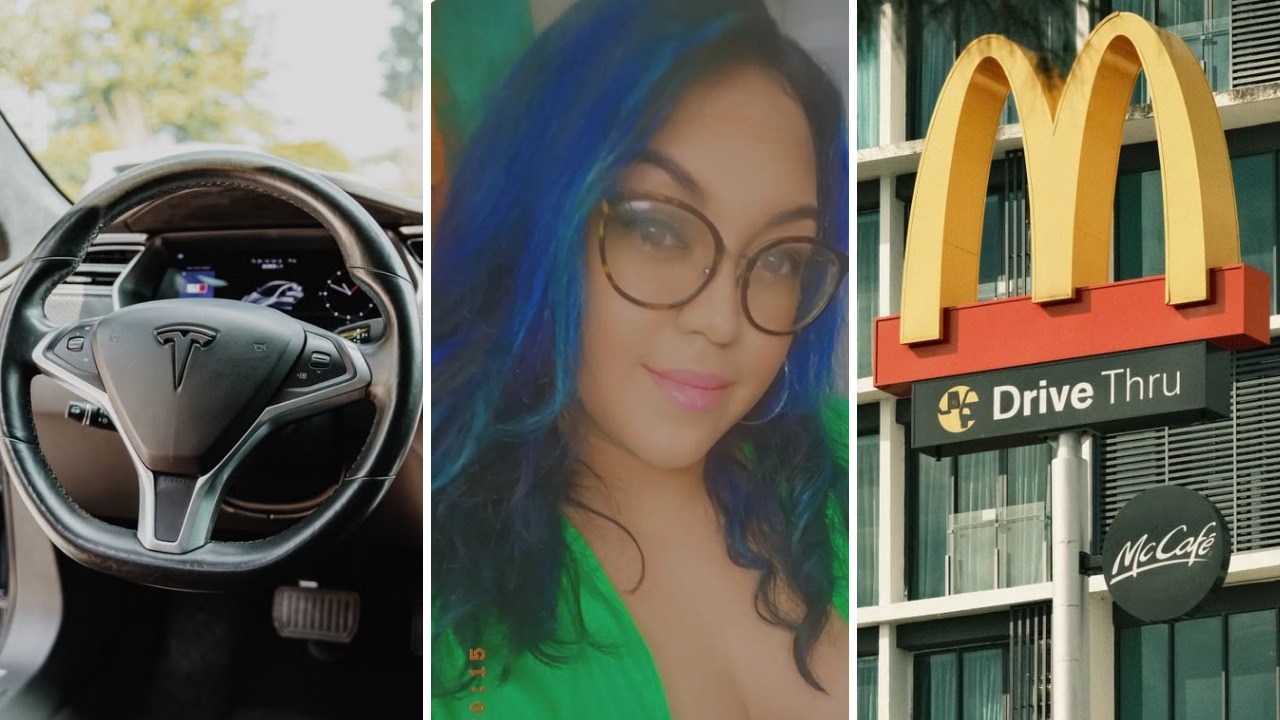
What was supposed to be a quick trip to McDonald’s to snag some fries turned into a moment of inconvenience for one Tesla driver, who became stuck when her car wouldn’t move while she was going through the store’s drive-thru. Now, Amanda De La Rosa (@amanda.de.la.rosa65) is warning other Tesla users not to make the same mistake she did.
“Don’t ever update your Tesla while you’re in the freaking drive-thru at McDonald’s,” De La Rosa repeatedly warned viewers in her video, which has accumulated over five million views on TikTok. In the video, De La Rosa is seen sitting inside her car with what appeared to be fries, a burger, and several sauces placed on her center console.
De La Rosa then pans the camera to show viewers that she’s parked by the McDonald’s drive-thru window, with her Tesla’s touchscreen displaying only the brand’s logo. Then she gave viewers a final warning, noting a feature that may surprise those unaware: “You have to be home. The car disables.”
Tesla disables several functions during software updates
It remains unclear why De La Rosa decided to update her Tesla while she was at the drive-thru, as she did not explain beyond warning other Tesla owners. According to Tesla’s website, updating their car’s software disables owners from being able to drive—similar to how the car can’t charge and update new software simultaneously.
There’s also little that can be done when the driver is inside the car while the Tesla updates its software. Tesla warns users not to use their vehicle during software installation, noting that several functions, including opening or closing windows or doors and certain safety systems, “may be limited or disabled” during the update. Attempting to use the car during this time could also “damage the vehicle.”
Like other electronic devices, Tesla also allows users to schedule when updates occur. Some viewers pointed out that Tesla also gives users time to stop an update before it happens: “It tells you MULTIPLE times it gives you 2 minutes to cancel and you still went for it…”
De La Rosa reveals what the update was
How long the update takes varies depending on the speed of the owner’s Wi-Fi connection. Tesla says it may take approximately 30 minutes on a reliable connection, but other users also claim it could take up to an hour.
In De La Rosa’s update, she told viewers that she remained stuck at the drive-thru for an hour, which may have caused traffic to build up or prompted staff to temporarily close the drive-thru. She also showed viewers what the update included: a Halloween-themed user interface for her touchscreen, along with a classic ghost costume for the car on-screen.
While De La Rosa found the update “pretty awesome,” she acknowledged that it wasn’t worth doing the update in a McDonald’s drive-thru. “I definitely could have waited to get home,” she concluded.
Have a tip we should know? [email protected]
Follow The Mary Sue:
