


New Jersey woman receives unknown Google Calendar invite labeled ‘super important.’ Now she’s warning others to change this one setting
Scammers have infiltrated our calendars.
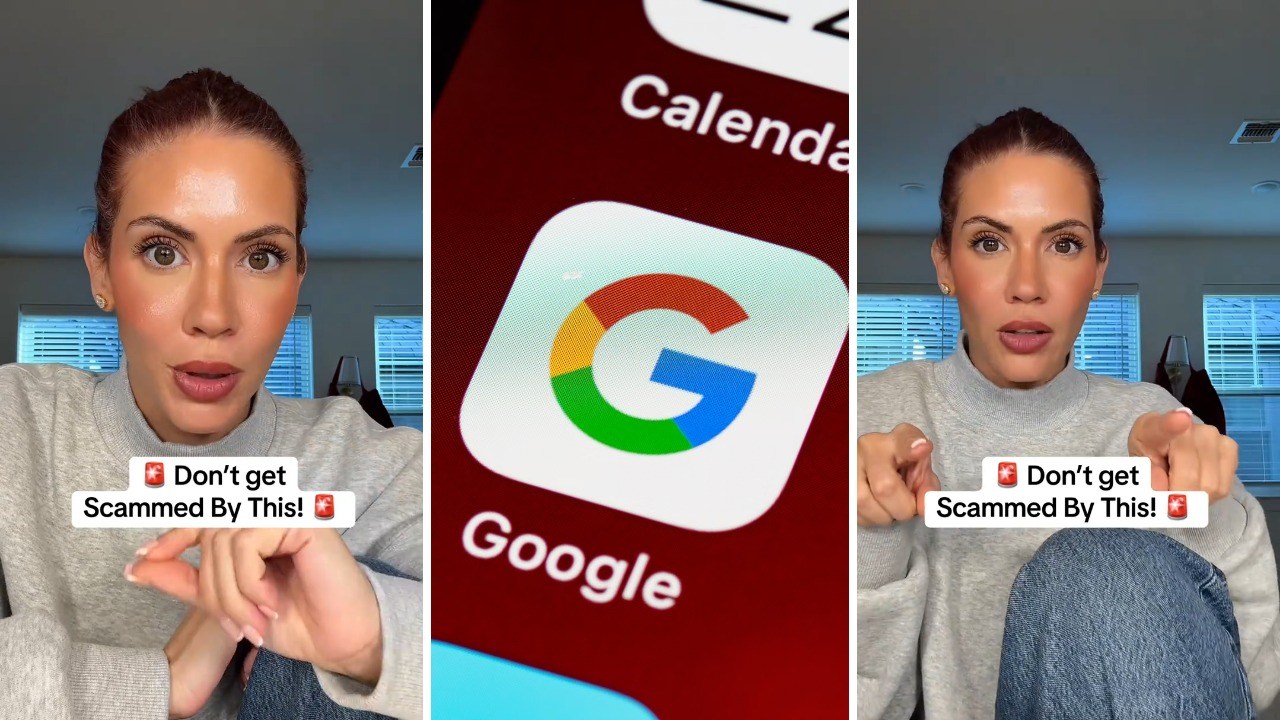
Fraudulent schemes are now a frequent part of everyday life, with scammers using increasingly sophisticated tactics that make it difficult for people to detect when they are being deceived. Often, these scammers leverage personal information about their targets to make their deception more convincing. That was the case for Ingrid (@ingridexplainsitall), who is now warning others of a new scam using Google Calendar after receiving a suspicious email.
“Let me tell you about a new scam that’s going around that almost got even me, the most internet- and computer-savvy person,” Ingrid said in a video shared on TikTok. According to Ingrid, she had been frequently using her Google, Apple, and phone calendars because of how busy she has become. But three days prior, Ingrid said she received a Google Calendar meeting invite labeled “super important meeting” that she “must attend.”
“So I clicked it like a dodo, and inside there was a [Microsoft] Teams calendar link,” Ingrid said. She later used her computer and saw she had several “random” invites added to her Google Calendar without her knowing. “What do you know, it’s a new scam going around. […] You click that Google Teams linked, girl you’re hacked. Say bye-bye to your bank account.”
Google Calendar scams have turned mainstream
According to Ingrid, she was only able to realize it was a scam because it was written in a “language” that she normally does not use. However, she acknowledged that she almost fell for it, believing it was an invitation from one of her clients. “But then my brain kicked in and was like, girl, no, who are you kidding? You would never write that,” she added.
Ingrid then shared a tip on how to avoid receiving scam emails and reduce the likelihood of clicking on fraudulent links. Ingrid instructed viewers to go to their Google Calendar settings and turn off the option that allows anyone to add them to invitations, ensuring that only recognized contacts can send calendar invites.
Sublime Security threat detection engineer Luke Wescott said calendar phishing is a fairly recent type of scam, but has been seeing “exponential growth,” according to The Guardian. Notably, Sublime Security reported a projected 33,000% increase in calendar-based phishing scams from May to September 2026, and that it “finally hit the mainstream.” In addition to fake meeting invites, Wescott said scammers also send calendar reminders, such as prompts to renew a subscription service, to individuals’ work or personal email addresses, with the primary goal of having these reminders appear on their calendars.
It’s time to change settings
“Calendar apps, such as Google Calendar, can add invitations automatically without users even accepting them. So scammers don’t even need you to open an email,” Wescott said. “It can create a borrowed credibility by showing up in the same place as your dentist appointment or a weekly 1:1 with your boss.”
Google’s Help Center confirmed that individuals can manage and limit who has access to adding to their calendar through event settings. Individuals can select the option to allow invites “Only if the sender is known,” which includes people in their contact list, members of the same organization, or those they have previously interacted with. However, this does not fully protect against scammers, as they can compromise a known contact’s account and use their information to deceive others.
Individuals can also report event invites as spam, as long as they are sent through Google Calendar. Repeated invitations marked as spam will be automatically removed from the calendar.
Have a tip we should know? [email protected]
Follow The Mary Sue:
